
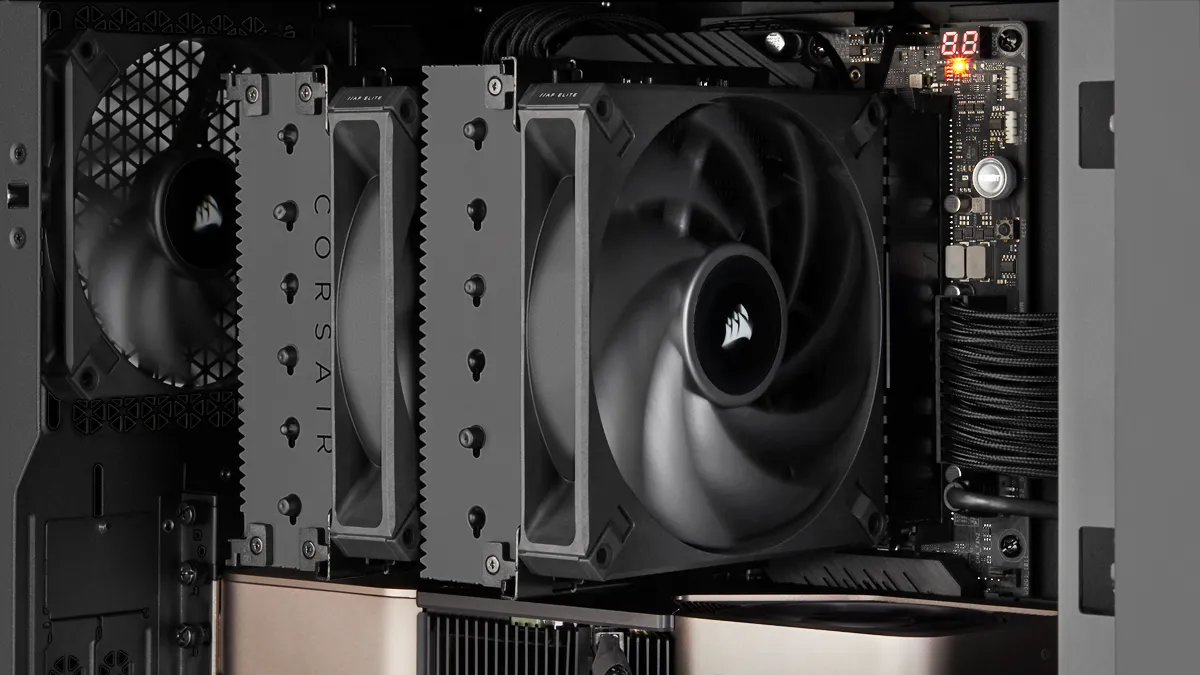

Debating air cooling vs liquid cooling is one of the first crossroads every PC builder faces when picking parts for a new rig. Both setups keep your processor from thermal throttling during long gaming sessions, though they move heat away from your motherboard in completely different ways.
Picking the right option comes down to your processor’s power draw, your case clearance, and how much you want to spend. In this article, you will see how fan cooling and water cooling compare across real gaming workloads so you can pick the smarter cooler for your build.
How Air Cooling Works
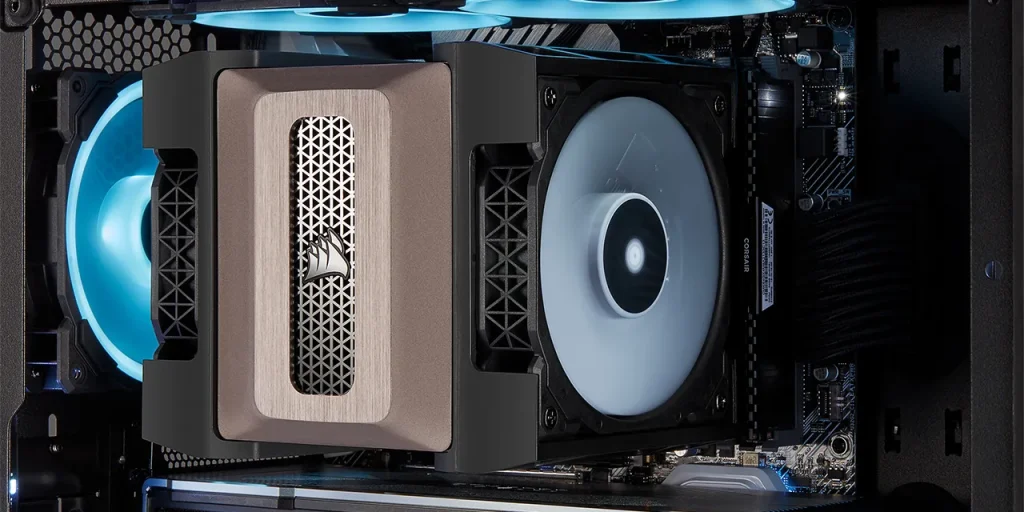
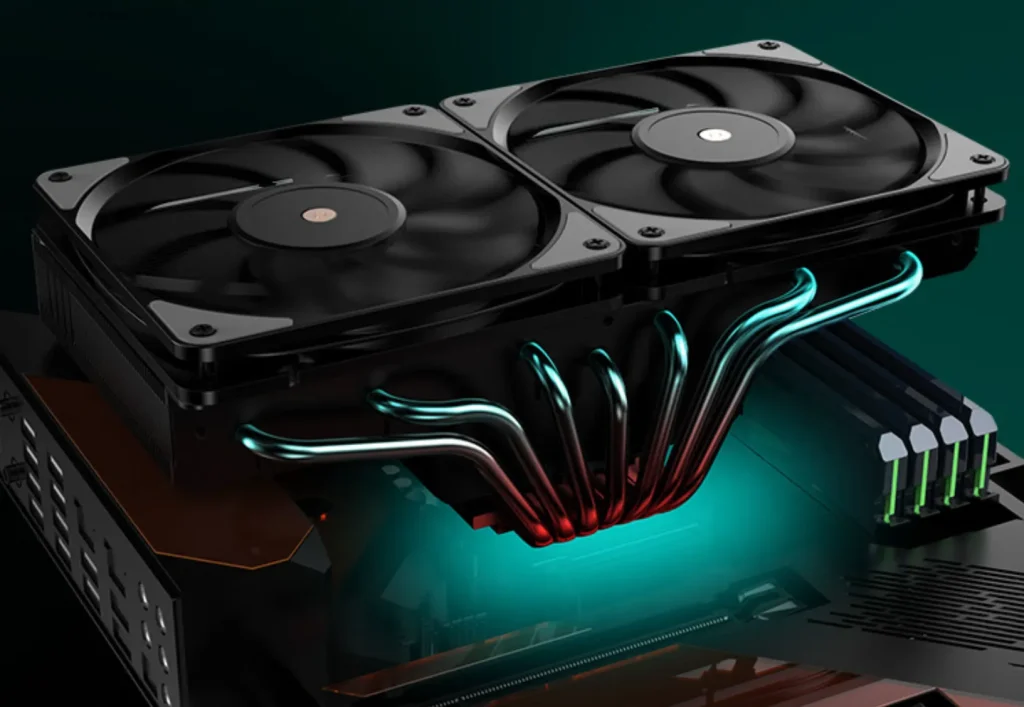
Air cooling, often referred to as fan cooling, relies on a metal heatsink paired with one or more fans attached directly to your CPU. Copper heat pipes draw thermal energy up from the processor into dense aluminum fins, and the fans push that warm air toward your case exhaust.
Modern dual-tower air coolers have grown surprisingly capable, easily handling mainstream and high-end gaming chips without breaking a sweat. Budget models like the Thermalright Peerless Assassin 120 SE sell for around $35 while keeping 200W processors cool under sustained loads.
If you want maximum air performance, flagship towers such as the Noctua NH-D15 G2 use eight heat pipes and dual 140mm fans to rival large radiators. Because air coolers contain no liquid or mechanical pumps, they remain reliable for years with nothing more than occasional compressed-air dusting.
How Liquid Cooling Works
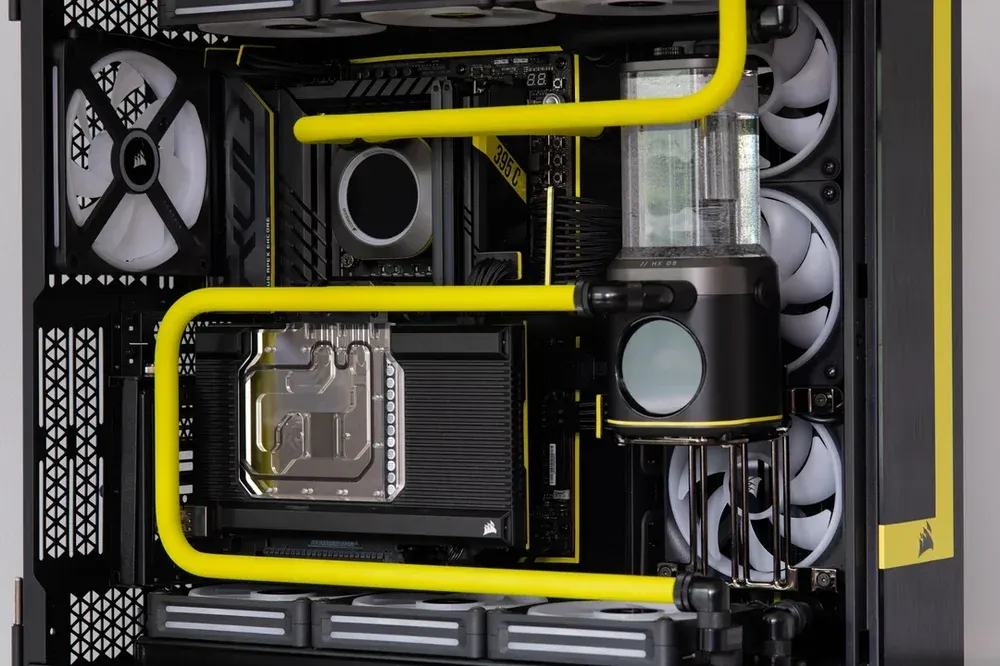
Liquid cooling, also known as water cooling, transfers heat using circulating fluid instead of relying solely on solid metal fins. A pump pushes coolant through a cold plate mounted on your processor, carrying heat through flexible tubes to a radiator where fans exhaust it outside your case.
Most PC builders buy AIO cooling units, which stand for All-In-One liquid coolers. These sealed loops arrive pre-filled from the factory, letting you bolt down the water block and mount the radiator without cutting tubes or pouring coolant yourself.
Enthusiasts also build custom water cooling loops from separate reservoirs, hard tubing, and dedicated GPU blocks to cool an entire PC at once. Top sealed units like the ARCTIC Liquid Freezer III Pro 360 pair thick radiators with high-static-pressure fans to tame hot flagship chips under heavy rendering or gaming loads.
Air Cooling vs Liquid Cooling: Head-to-Head Comparison
1. Thermal Performance
On mid-range gaming processors like a Ryzen 5 or Ryzen 7, air cooling vs liquid cooling shows almost no frame-rate difference in actual games. A quality dual-tower air cooler keeps gaming temperatures well below throttling limits while costing half as much as a mid-range radiator.
Liquid cooling pulls ahead once you push an unlocked flagship processor past 200W during video rendering, streaming, or heavy multitasking. Large 360mm radiators hold more thermal mass than aluminum fin stacks, giving them extra headroom when your CPU runs at full load for hours.
2. Noise Levels
At idle and during light desktop tasks, a good air cooler is often quieter than a budget AIO because there is no pump humming inside your case. Premium fan cooling units spin their 120mm or 140mm blades slowly, keeping background noise barely audible.
Under heavy gaming loads, a 280mm or 360mm water cooling radiator can run slightly quieter than a single-tower heatsink. Three radiator fans moving air at low RPMs generate a softer, lower-pitched sound than two small fans ramping up to maximum speed.
3. Price and Value
Fan cooling dominates when it comes to price-to-performance value. You can buy a dual-tower cooler like the Thermalright Phantom Spirit or Peerless Assassin for $35 to $50 and get near-flagship thermals right out of the box.
AIO liquid coolers typically start around $65 for a basic 240mm model and climb past $150 for 360mm units with RGB lighting or pump screens. Unless your processor actually demands that extra cooling capacity, spending an extra $100 on water cooling rarely improves gaming performance as much as upgrading your GPU or storage.
4. Reliability and Case Fit
Air coolers win easily on long-term durability because a fan is the only moving part on the entire assembly. If a fan ever wears out after five years, you can clip on a $15 replacement in two minutes without removing the heatsink.
Liquid coolers introduce more potential failure points, including integrated pumps, rubber seals, and gradual fluid permeation over three to five years. However, compact PC cases with tight height clearances often favor 240mm AIO radiators over bulky 168mm air towers that can block tall RGB memory sticks.
Which Cooler Should You Choose?
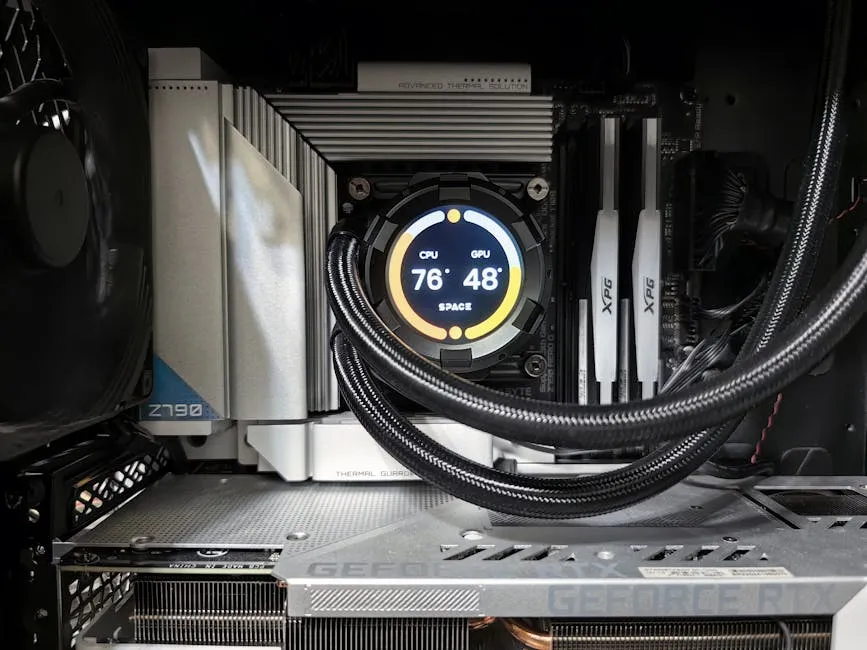
For most gaming builds, air cooling is the smarter, safer, and better-value pick. A $35 to $50 dual-tower heatsink handles almost every modern gaming CPU quietly while leaving more money in your budget for graphics power.
Liquid cooling makes more sense if you own a power-hungry 200W+ processor, prefer a cleaner view of your motherboard, or build inside a case that lacks tall tower clearance. When comparing air cooling vs liquid cooling, match the cooler to your actual CPU heat output rather than paying for extra radiator capacity you will never push to the limit.
Building a new gaming rig or troubleshooting high PC temperatures? Follow Another Gaming Post on Facebook and Instagram for daily hardware guides and gaming news!