
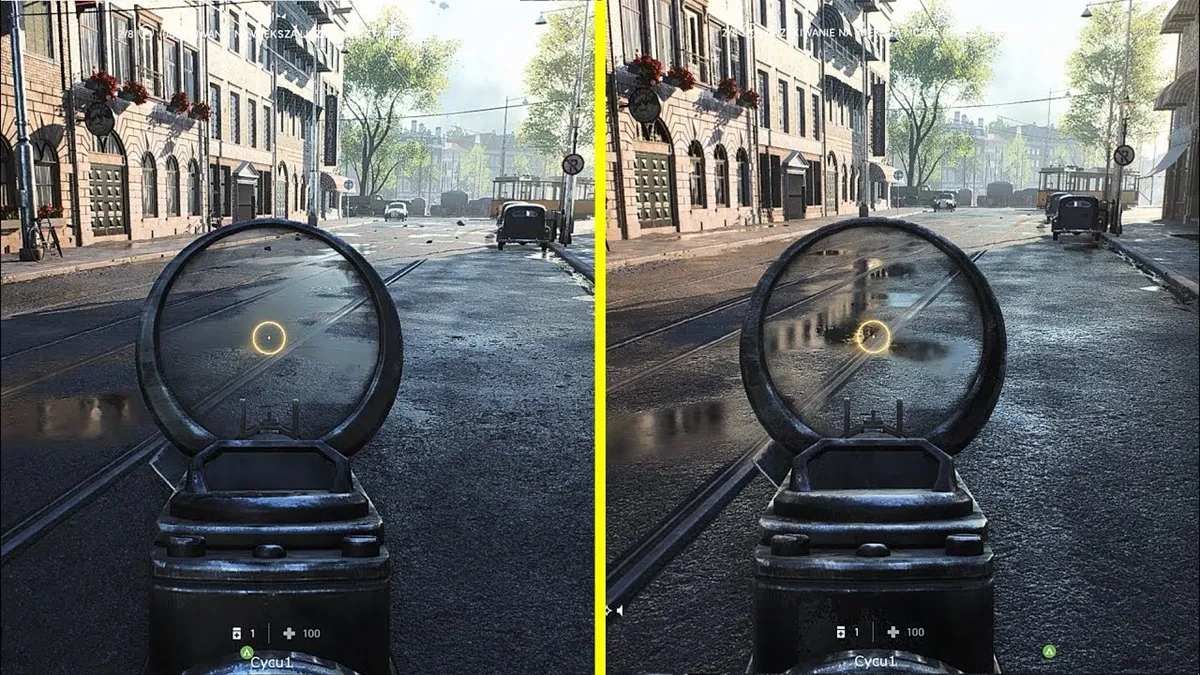

Modern graphics settings menus are packed with technical acronyms, yet few spark as much debate among PC and console players as ray tracing. Flipping that single toggle replaces flat, artificial-looking hallways with moody rooms lit by neon reflections and soft shadows, though it often cuts your frame rate in half.
Understanding how this rendering method works helps you decide which graphics settings are worth keeping on and which hardware actually handles the workload. Below, you will find a breakdown of ray tracing alongside the top games and graphics cards built to run it.
How Ray Tracing Works
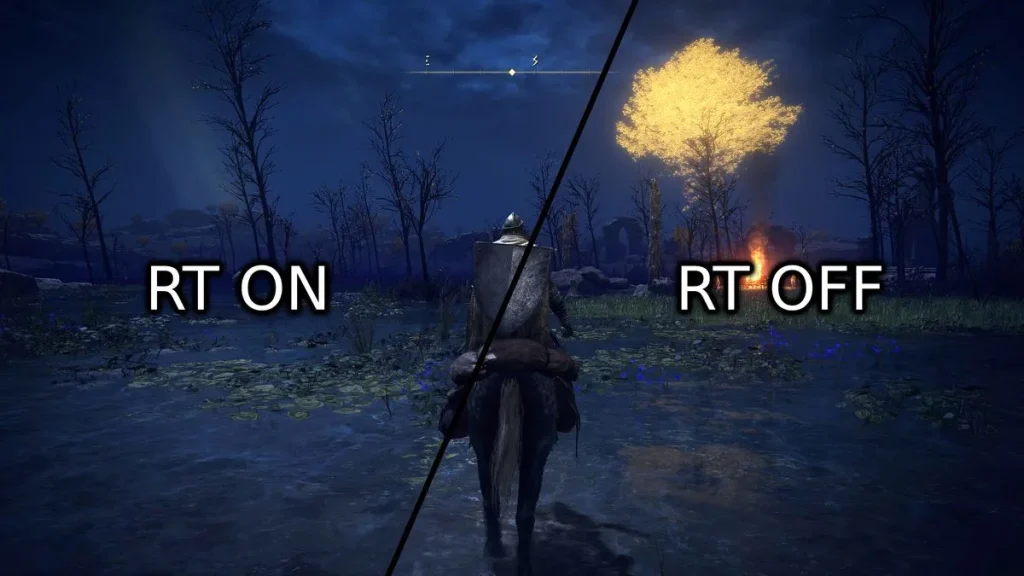
For decades, video games faked realistic lighting through a process called rasterization. Developers painted static shadows onto textures ahead of time and relied on screen-space reflections, which only mirror objects currently visible on your monitor. If you looked down at a puddle in an older game, the reflection of a neon sign overhead would suddenly vanish the moment that sign left your camera view.
Ray tracing solves that illusion by mimicking how light behaves in the physical world. Instead of relying on pre-baked tricks, your graphics card traces the path of individual light rays as they travel from a light source, bounce off walls and puddles, pass through glass, and reach your virtual camera.
Because every ray calculates real geometry in real time, reflections show objects behind your character and shadows soften naturally as they stretch away from an object. Some demanding PC titles push this concept even further with path tracing, which replaces nearly all traditional lighting tricks with full ray-traced illumination.
Calculating millions of light bounces every single frame requires massive computing power. That heavy math is why modern graphics cards pair dedicated ray-tracing cores with AI upscaling tools like NVIDIA DLSS and AMD FSR, which render the game at a lower internal resolution and reconstruct sharp detail to keep frame rates playable.
Popular Games That Showcase Real-Time Lighting
Not every game uses real-time lighting to the same degree. Some titles only add subtle reflections to water surfaces, while others rebuild their entire visual atmosphere around ray tracing.
1. Cyberpunk 2077
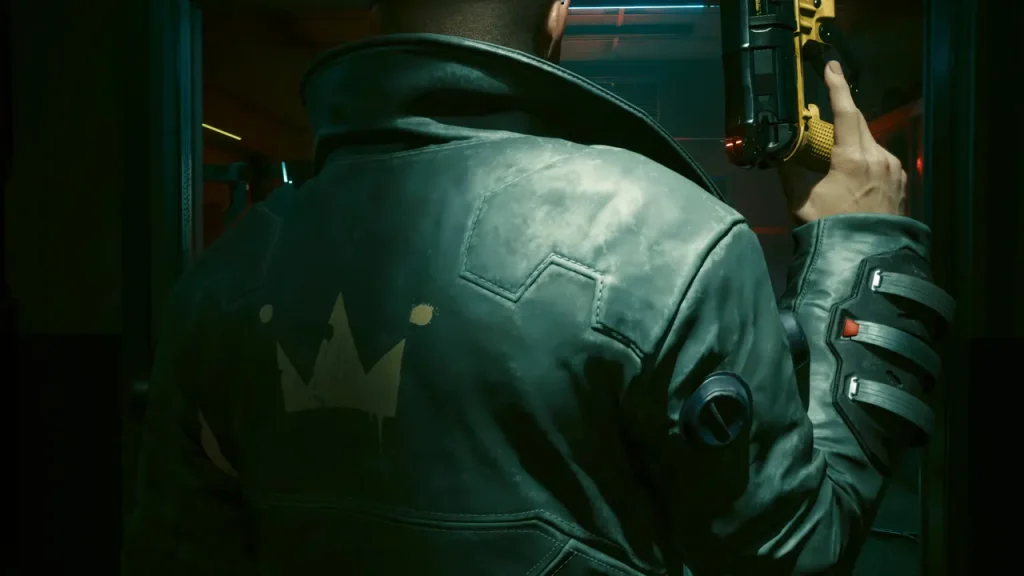
CD Projekt Red’s sci-fi RPG remains the ultimate showcase for real-time lighting on PC. Night City is packed with rain-slicked asphalt and glowing holographic billboards that reflect off every glass storefront. Enabling the Overdrive path tracing mode gives dark alleyways and neon-lit markets some of the most believable lighting in gaming.
2. Alan Wake 2
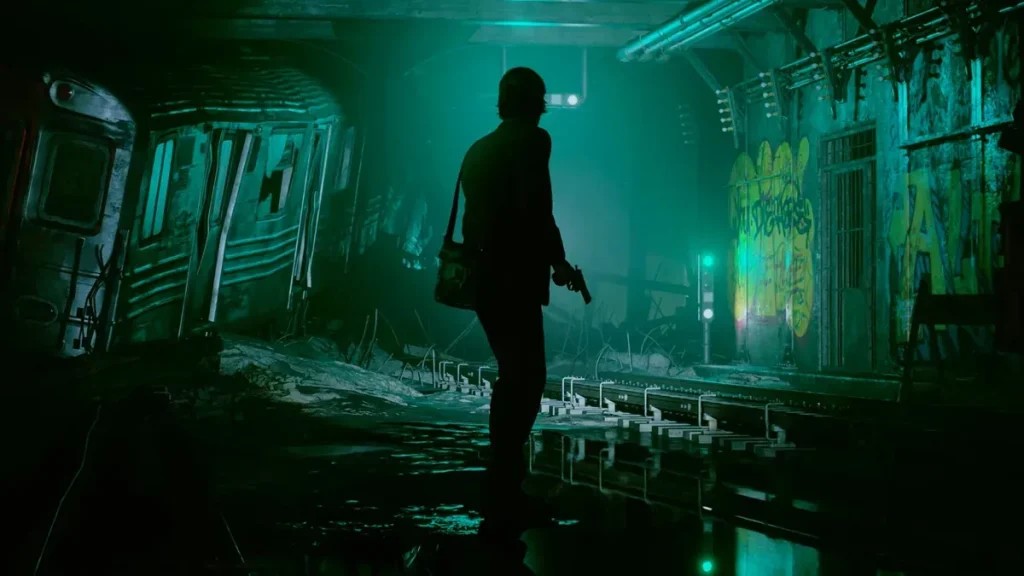
Survival horror depends heavily on darkness and uncertainty, and Remedy Entertainment uses real-time lighting to heighten every tense encounter. Flashlight beams cut cleanly through thick Pacific Northwest fog while casting accurate dynamic shadows behind enemies. Indoor diner windows and wet streets also reflect nearby streetlights without awkward visual pop-in.
3. Indiana Jones and the Great Circle

MachineGames built its globe-trotting adventure around an engine that requires ray-traced hardware at a minimum. Sunlight streaming through crumbling temple roofs bounces naturally across stone walls, illuminating dusty corridors without artificial fill lights. Carrying a burning torch through underground catacombs creates shifting shadows that react convincingly to every corner.
4. Black Myth: Wukong
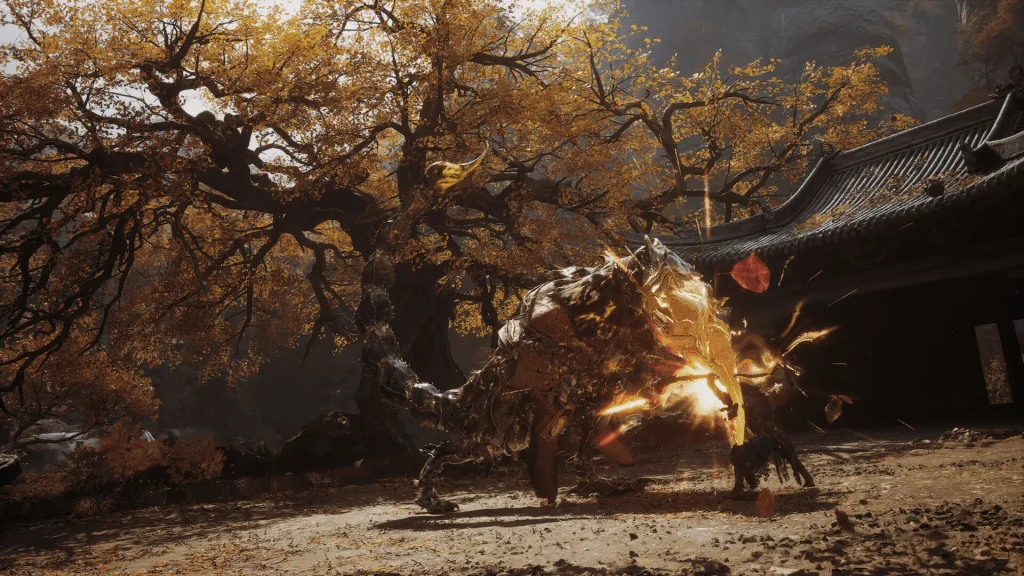
Game Science’s action RPG uses full real-time lighting to render dense bamboo forests and shallow mountain streams. Water surfaces reflect surrounding cliffs and swirling spell effects during chaotic boss battles. Even small environmental details like sunlight filtering through tree leaves gain noticeable depth when full lighting simulation is active.
5. Resident Evil Requiem
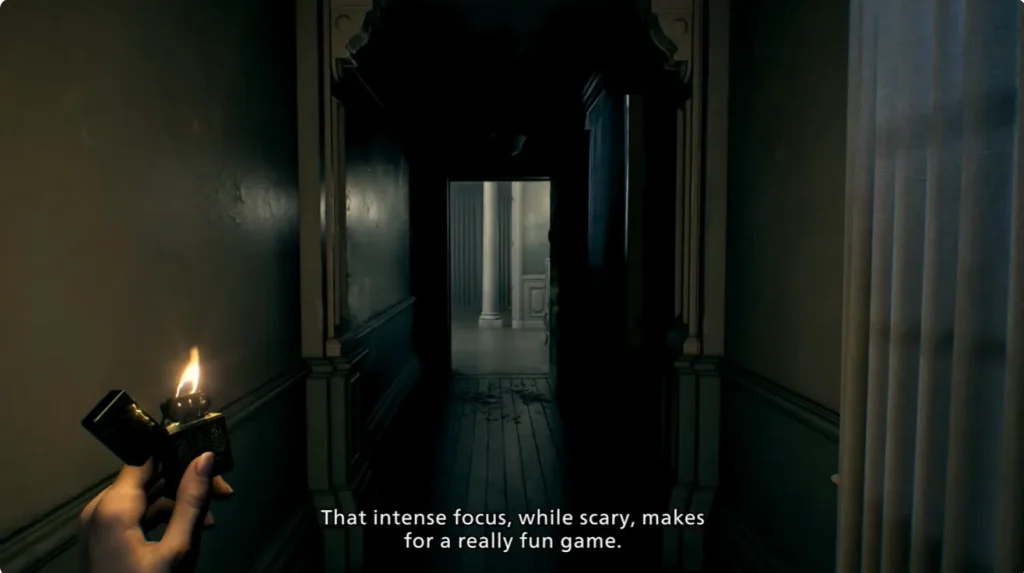
Capcom’s survival horror entry pushes real-time lighting into pitch-black underground corridors where visibility is scarce. Turning on path tracing lets a single beam of light bounce off wet brick walls and rusted metal, leaving unlit doorways pitch black until you aim directly at them.
Best Graphics Cards for Heavy Lighting Workloads
Running demanding lighting effects at high resolutions requires specialized hardware cores built specifically for calculating light intersections. If you are upgrading your PC for ray tracing, these four graphics cards stand out across different performance tiers.
1. NVIDIA GeForce RTX 5090
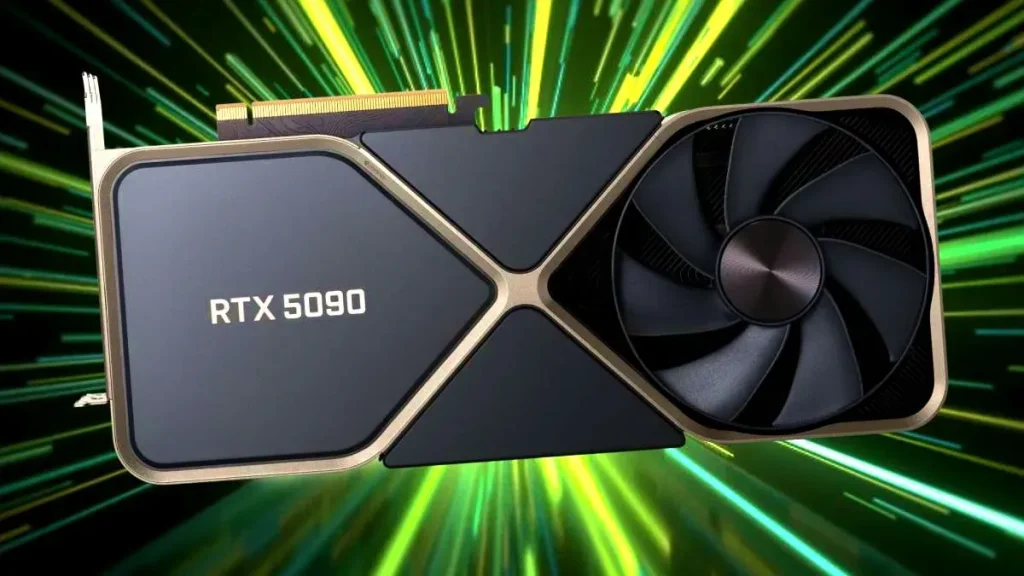
Built on NVIDIA’s Blackwell architecture with 32GB of GDDR7 memory and fourth-generation RT Cores, the RTX 5090 sits at the top of the hardware hierarchy. It is the only consumer graphics card capable of running heavy 4K path-traced games at high refresh rates when paired with DLSS 4 Multi Frame Generation. The steep price tag and 575W power draw make it overkill for casual builds, though no other GPU matches its raw lighting throughput.
2. NVIDIA GeForce RTX 5080
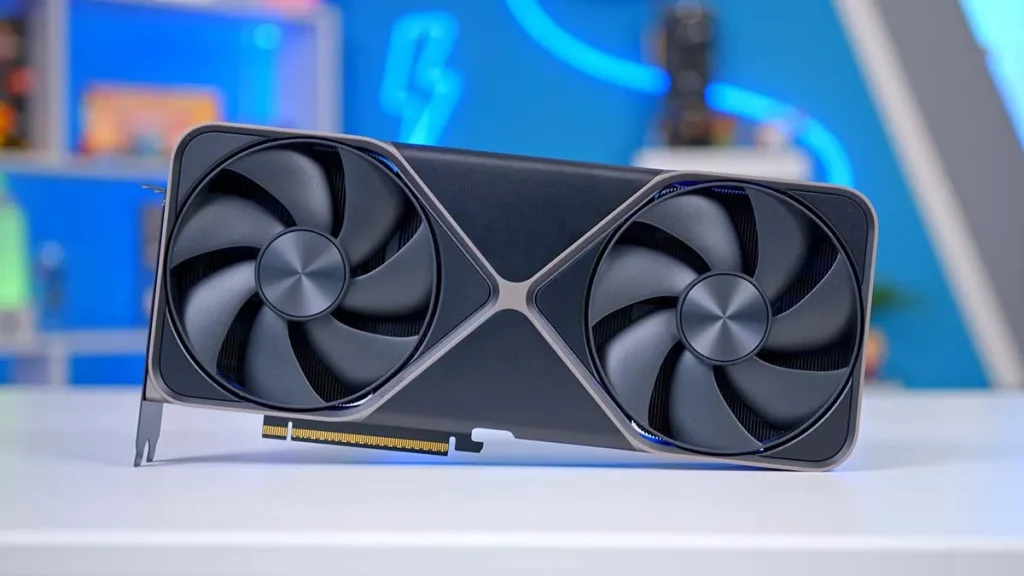
For players targeting 4K resolution without spending flagship money, the RTX 5080 offers the cleanest balance of speed and power efficiency. Its 16GB of GDDR7 memory and fourth-generation RT Cores handle demanding titles like Cyberpunk 2077 and Alan Wake 2 comfortably with DLSS enabled. Running on a recommended 850W power supply also makes it far easier to fit into standard mid-tower cases.
3. NVIDIA GeForce RTX 5070 Ti
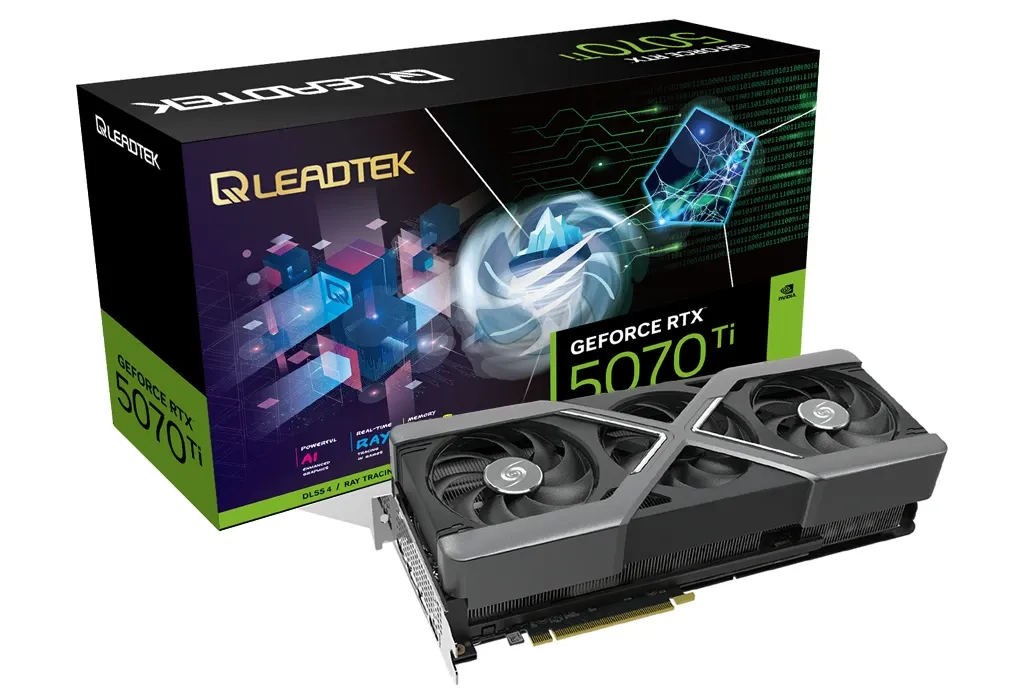
If you game on a 1440p monitor or want an entry point into 4K ray tracing, the RTX 5070 Ti delivers strong performance at a more accessible price bracket. It retains the same 16GB GDDR7 memory buffer and full DLSS 4 feature set found on the RTX 5080, letting you turn on heavy lighting presets without running out of video memory.
4. AMD Radeon RX 9070 XT
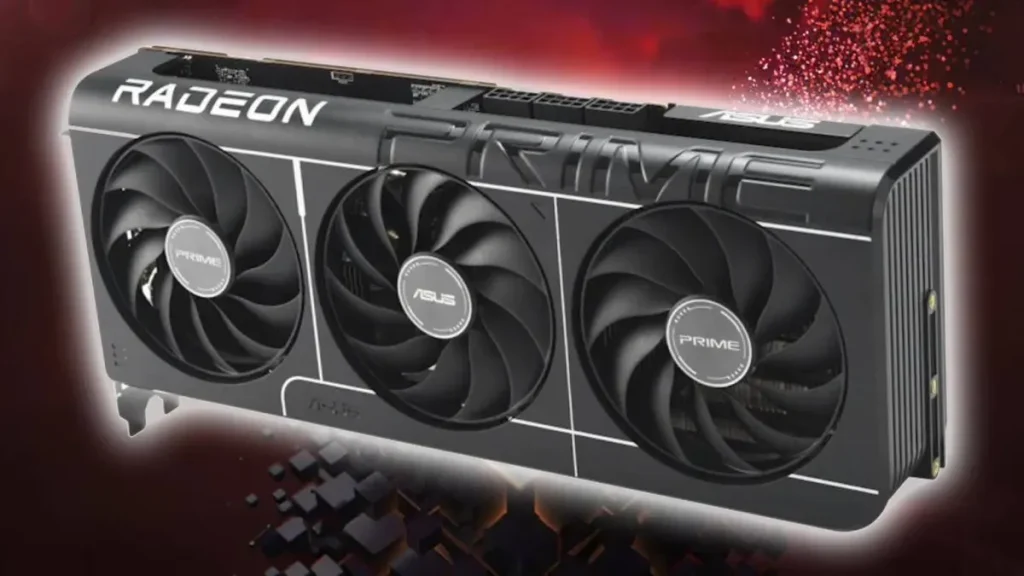
AMD’s RDNA 4 architecture significantly narrowed the historical performance gap in ray-traced workloads. Equipped with 16GB of memory and upgraded ray accelerators, the RX 9070 XT handles 1440p and 4K ray-traced games far better than previous Radeon generations. Pairing it with AMD’s FSR 4 upscaling gives PC builders a strong alternative when GeForce cards are priced above retail.
Should You Keep This Setting Turned On?
Choosing to enable ray tracing comes down to the type of game you are playing. In cinematic single-player adventures where atmosphere and visual immersion matter most, realistic reflections and bounced lighting elevate the entire experience.
In fast-paced competitive shooters like VALORANT or Counter-Strike 2, however, high frame rates and low input latency always take priority over shiny puddles. Turning those heavy lighting settings off in multiplayer matches keeps your aim responsive and prevents sudden frame drops during intense firefights.
Want more PC hardware guides and daily gaming updates in your feed? Follow Another Gaming Post on Facebook and Instagram so you never miss our latest stories!