

PC builders often use the terms AIO cooling and liquid cooling as if they mean two completely different things. In reality, an AIO cooler is a specific type of liquid cooling, so the real comparison comes down to sealed units versus custom water loops.
Knowing how both designs handle heat will save you money and prevent installation headaches during your next PC build. In this article, you will see how AIO cooling and custom liquid cooling compare across price, noise, and thermal performance.
What Is Liquid Cooling?
Liquid cooling, also called water cooling, uses a circulating fluid to pull heat away from hot PC components and carry it to a radiator. Fans mounted on that radiator then blow the heat out of your case while the cooled liquid cycles back to absorb more thermal energy.
Because liquid absorbs far more heat than air, water cooling handles high-wattage processors much better than traditional metal heatsinks. When builders say liquid cooling without specifying a type, they usually mean a custom open-loop system assembled from individual parts.
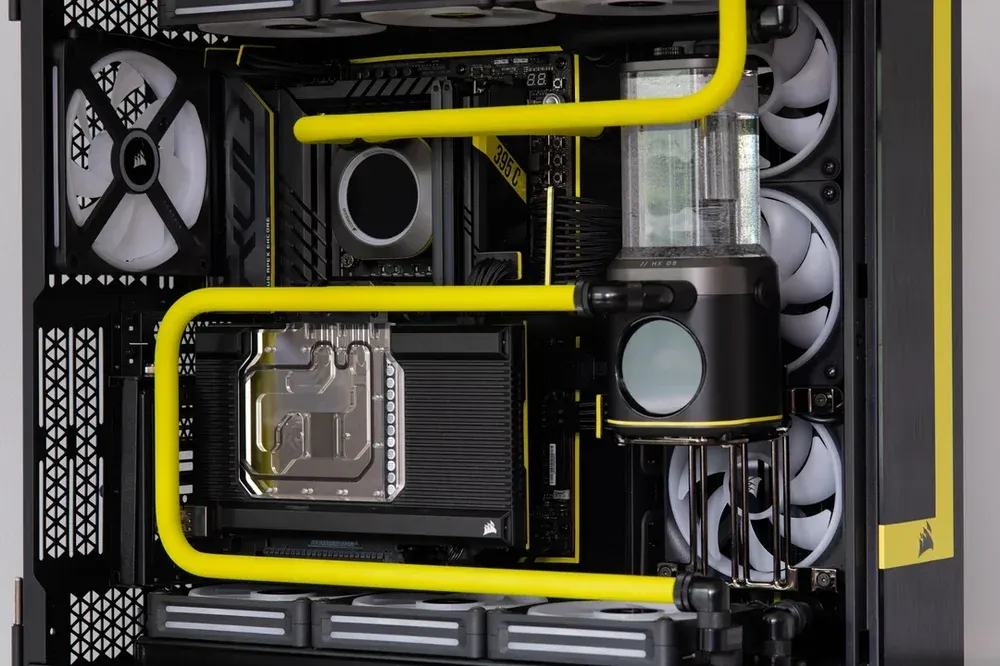
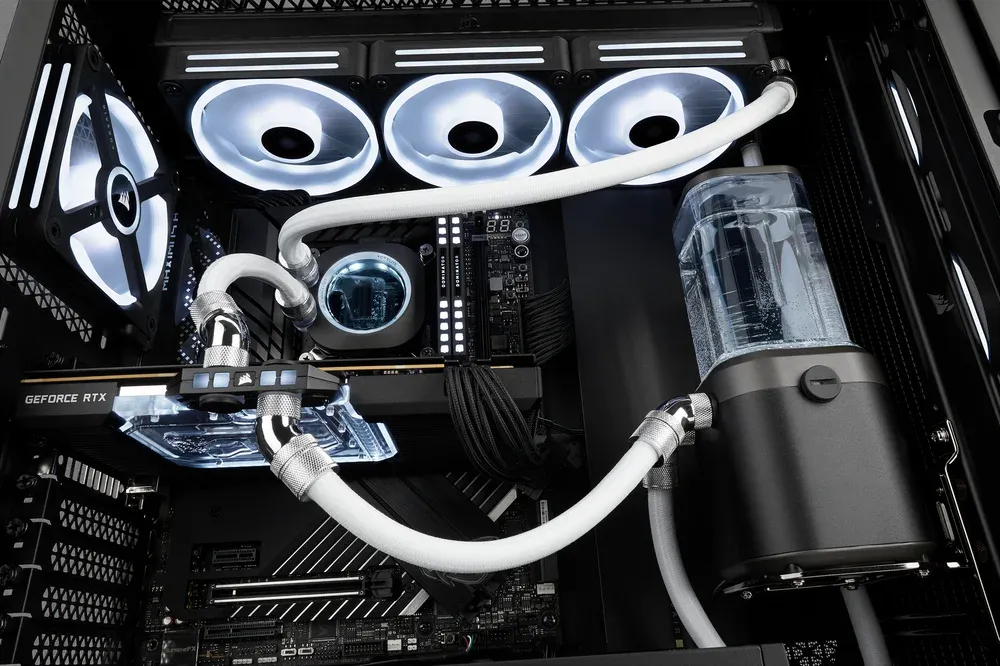
A custom loop includes separate water blocks, a dedicated pump, a reservoir, tubing, fittings, and liquid coolant. You can route that loop through both your CPU and graphics card to keep your entire gaming rig running cool under heavy loads.
What Is AIO Cooling?
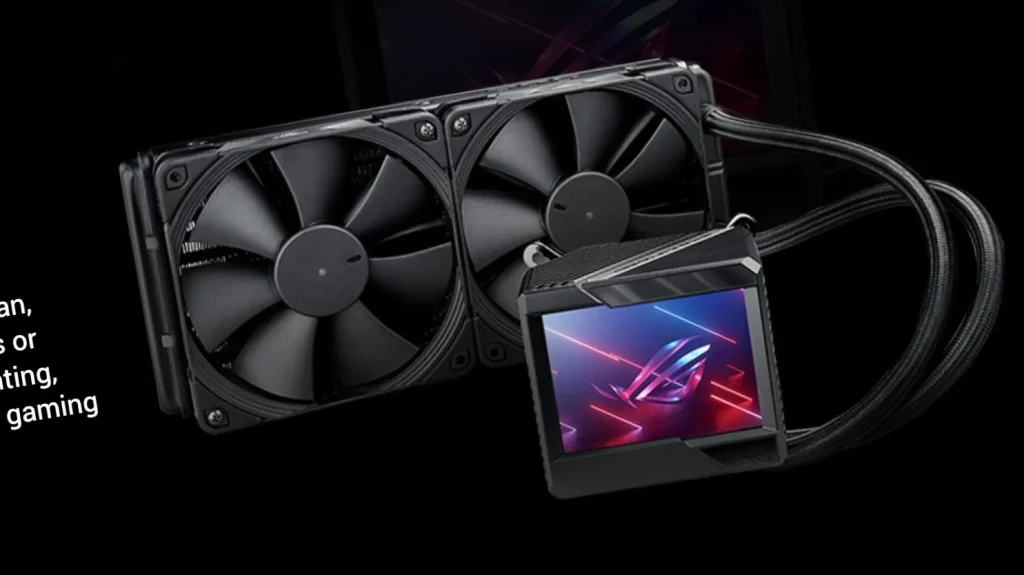
AIO cooling stands for All-In-One liquid cooling, which packages a pump, water block, tubing, and radiator into a single factory-sealed unit. Manufacturers like Corsair pre-fill these loops before shipping them, so you never have to measure tubes or pour coolant yourself.
You simply bolt the water block onto your processor and screw the radiator onto an open fan mount inside your case. Almost every AIO cooler on the market focuses strictly on cooling your CPU rather than your graphics card.
Modern models range from compact 240mm radiators to massive 360mm and 420mm units built for flagship gaming processors. Top-performing coolers tested by Tom’s Hardware, such as the Arctic Liquid Freezer III Pro, show how capable sealed units have become.
AIO Cooling vs Liquid Cooling Differences
1. Installation and Setup
Installing an AIO cooler takes roughly twenty to thirty minutes with a standard screwdriver. You mount the radiator, attach the bracket to your motherboard, and plug in the fan and pump headers.
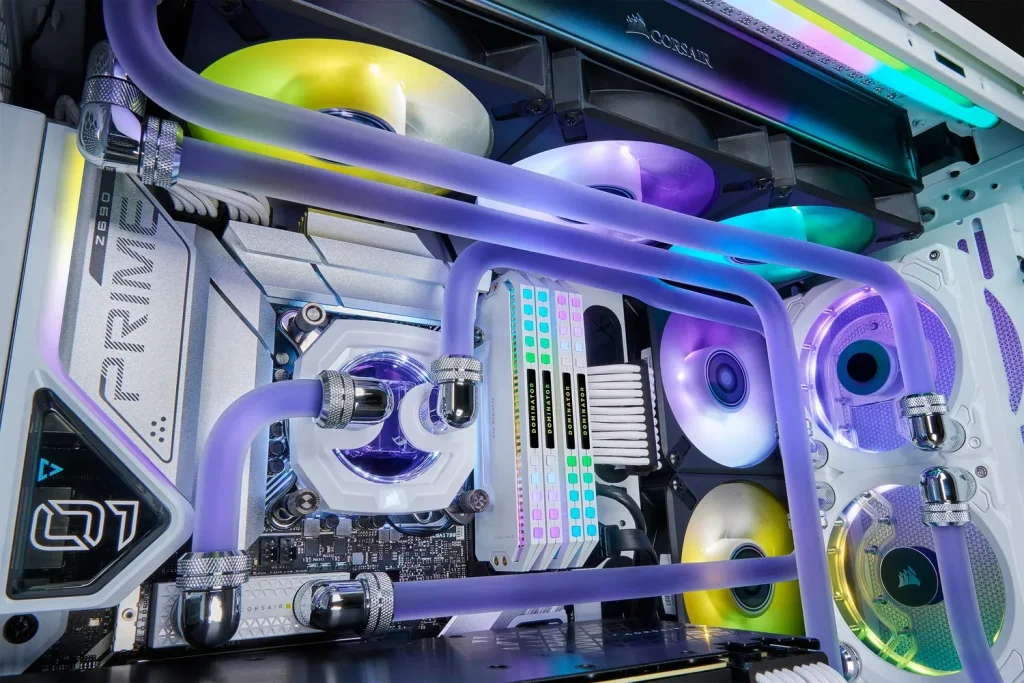
Building a custom water cooling loop can take an entire weekend from start to finish. You have to measure and cut soft or hard tubing, tighten compression fittings, fill the reservoir, and leak-test the loop before powering on your components.
2. Cooling Performance and Noise
For CPU-only cooling, a high-end 360mm AIO comes within a few degrees of a custom loop during long gaming sessions. Both options allow radiator fans to spin at lower speeds than small air coolers, which keeps system noise down.
Custom liquid cooling pulls ahead once you add your graphics card into the same circuit. By routing coolant across a GPU water block and multiple thick radiators, a custom loop eliminates loud graphics card fan noise completely.
3. Maintenance and Lifespan
Sealed AIO units require zero fluid refills and almost no ongoing upkeep beyond dusting the radiator fins. Most AIO coolers last between three and five years before the integrated pump wears down or minor fluid permeation lowers efficiency.
Custom loops demand regular care to stay safe and clean over time. You need to monitor reservoir levels, flush old coolant every six to twelve months, and scrub water blocks if residue builds up inside the channels.
4. Price and Upgrade Flexibility
A reliable AIO cooler typically costs between $90 and $250 depending on radiator size and extras like LCD pump screens. Once an AIO breaks out of warranty, you replace the entire unit rather than repairing individual pieces.
Custom water cooling setups frequently cost $500 to over $1,000 once you buy blocks, fittings, radiators, and a pump-reservoir combo. As EKWB points out, those core radiators and pumps can be reused across future PC builds, though you will still need new GPU blocks when upgrading graphics cards.
Which One Is Better for Your Build?
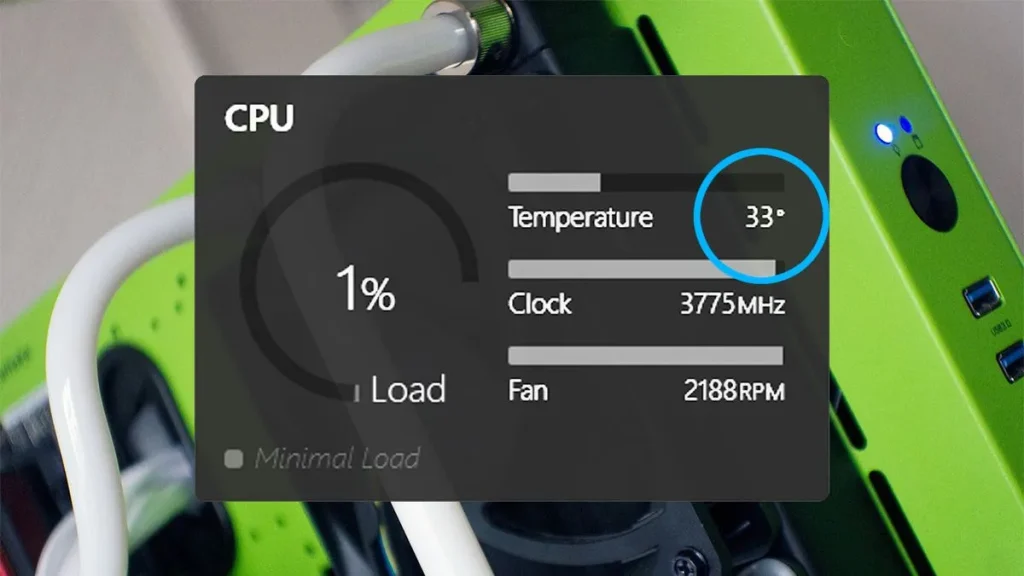
For ninety percent of PC gamers, AIO cooling is the smarter and more practical choice. You get strong CPU thermals, clean case aesthetics, and simple installation without risking costly leaks or spending a fortune on fittings.
Custom liquid cooling is better only if you run top-tier hardware under heavy sustained workloads and want your graphics card water-cooled too. Enthusiasts who treat PC building as a hands-on hobby will appreciate the unmatched thermal headroom and visual customization a full loop provides.
If you want dependable temperatures right out of the box, pick a 240mm or 360mm AIO that fits your case. Save custom water cooling for the day you are ready to invest extra time, money, and regular maintenance into a showpiece rig.
Planning your next PC build or troubleshooting high CPU temperatures? Follow Another Gaming Post on Facebook and Instagram for daily hardware guides and gaming news!